The 60-Second Hook: Why Your Introduction for a Presentation Matters


Reimagining the "About Me" Slide: Establishing Instant Authority
The traditional about me slide is often where high-stakes momentum goes to die. While speakers use it to build rapport, an audience frequently views a dense biography as a signal to tune out and check their emails.
In a professional business presentation, your credibility isn't built by listing your history; it is built by proving you understand the audience's current pain points. Shifting your focus from "who I am" to "how I can help" transforms your introduction from a passive hurdle into an engine for buy-in.
Instead of a resume-style list, consider a high-impact introduction slide that highlights a single "Hero Metric" or core value proposition. This approach establishes visual authority immediately, showing that you value the audience's time as much as your own expertise.
- The Credibility Pivot: Replace bullet points about your education with a single statement on the specific problem you are here to solve today.
- Visual Minimalism: Use an intro slide that features a high-quality professional headshot paired with a bold, one-sentence mission statement.
- Asset Optimization: Ensure your introduction slides use high-contrast layouts to keep the focus on your verbal delivery rather than a wall of text.
When you learn how to introduce yourself in a presentation by leading with impact rather than autobiography, you bridge the trust gap instantly. If you are looking for a head start on your design, you can explore these professional introduce yourself PowerPoint templates to find a layout that matches your executive presence.
By focusing on the "Future State" you provide for the client, you ensure that the start of your deck is a strategic launchpad for the rest of your narrative.
5 Powerful Techniques to Open Your Next Deck
If you want to know how to start a PowerPoint presentation that commands immediate attention, you must move beyond polite introductions. To refine your presentation skills, you need "pattern interrupts" that stop an audience from scrolling on their phones and force them to focus on your deck.
Here are five proven presentation techniques to bridge the gap between your data and audience buy-in:
- The Narrative Anchor: Start in the middle of a high-stakes "moment of conflict." According to research by the Stanford Graduate School of Business, stories are up to 22 times more memorable than facts alone. This ensures your introduction for presentation slides are emotionally resonant from the start.
- The Data Shock (The Surprise Effect): Open with an "impossible" statistic that challenges industry assumptions. As explored in research on Academia.edu regarding the role of surprise in learning, unexpected outcomes significantly boost memorability. This creates a "knowledge gap" that makes the audience hungry for your solution.
- The Visual Metaphor: Display one powerful image that symbolizes your core challenge. Research from MIT suggests the brain processes images in as little as 13 milliseconds. This allows you to establish a complex theme at lightning speed without forcing the audience to read a single word of text.
- The Cognitive Gap Question: Ask a question that triggers a mental simulation. This leverages the "Information Gap Theory" by Carnegie Mellon University, which posits that curiosity is a physical drive to close a gap in knowledge. By highlighting what the audience doesn't know yet, you compel them to listen for your answer.
- The Contrast Frame: Explicitly show the "Current Reality" versus a desired "Future State." By visualizing the cost of inaction first, you create a psychological pull toward your proposal. This is a core skill for anyone learning how to start a speech with high-stakes consequences
Strategic Engagement: 5 Minute Ice Breakers for Leaders
In high-stakes corporate environments, 5-minute ice breakers are not trivial games; they are strategic tools for intentional cognitive alignment.
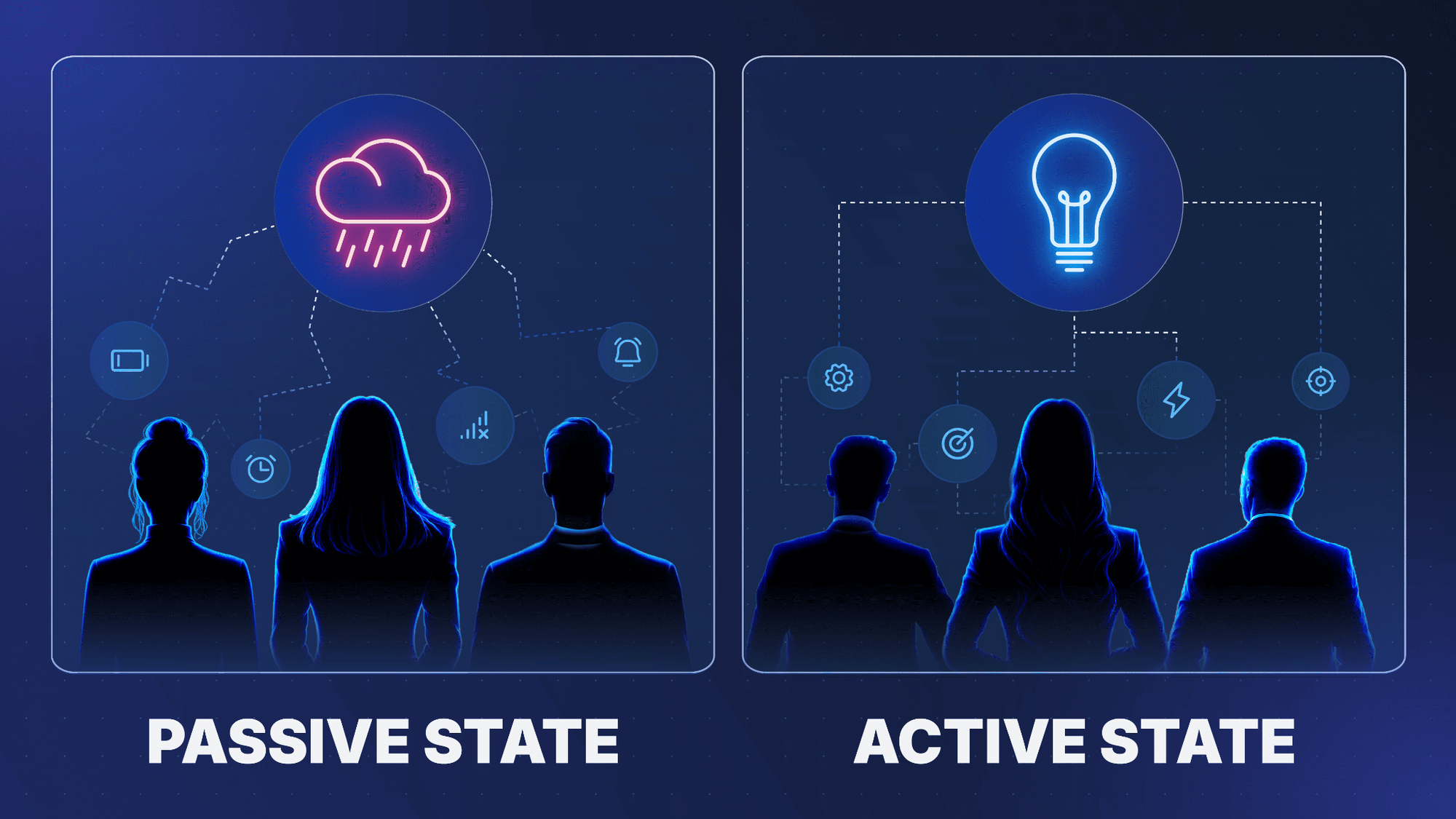
Using brief interactions on your introduction slides transitions an audience from passive listeners into active analytical thinkers.
In fact, research by Cornell University proves that audiences absorb two to three times more information when they actively engage with a concept right at the start.
Reviewing successful presentation introduction examples shows how executive leaders use quick interactions to collect data, align expectations, and win the room:
- The Live Sentiment Poll: Present an industry-relevant question on your opening slide to gather real-time data, allowing you to instantly pivot your presentation to the room's exact friction points.
- How to achieve it: Embed a live-polling QR code (using tools like Slido or Mentimeter) directly onto your slide. Ask a high-stakes question like "What is your team's primary bottleneck this quarter?" and watch the results populate live on-screen.
- The Knowledge-Gap Diagnostic: Initiate a fast "Myth vs. Fact" vote. As noted in studies archived by the National Institutes of Health, structured icebreakers let presenters rapidly evaluate group dynamics and modify their delivery strategy in real time.
- How to achieve it: Display a controversial industry statistic on your introduction slides and ask for a quick show of hands on whether it is true or false. Follow up by revealing the true data to expose an information gap.
- The Expectation Swap: Invite attendees to share their primary objectives early to eliminate audience friction and ensure your remaining material aligns with their commercial interests.
- How to achieve it: Write a single question on your slide: "What must we solve today for this session to be a success?" For virtual setups, have attendees drop answers in the chat; for in-person rooms, call on two key stakeholders to share.
If you are leading a more informal team meeting or want to explore a wider variety of interactive exercises, you can dive into these 50+ Fun Icebreakers For Your Next Presentation to find the perfect format for your specific audience.
The Tactical Start: How Do You Start a PowerPoint Presentation?
Mastering how do you start a PowerPoint presentation requires a seamless blend of technical readiness and interpersonal command. Long before you speak, your setup dictates the room's energy.
Eliminate pre-presentation friction by ensuring your slide ratio matches the venue displays. Modern setups strictly demand a 16:9 widescreen format to avoid outdated, distracting black bars on the sides of your intro slide.
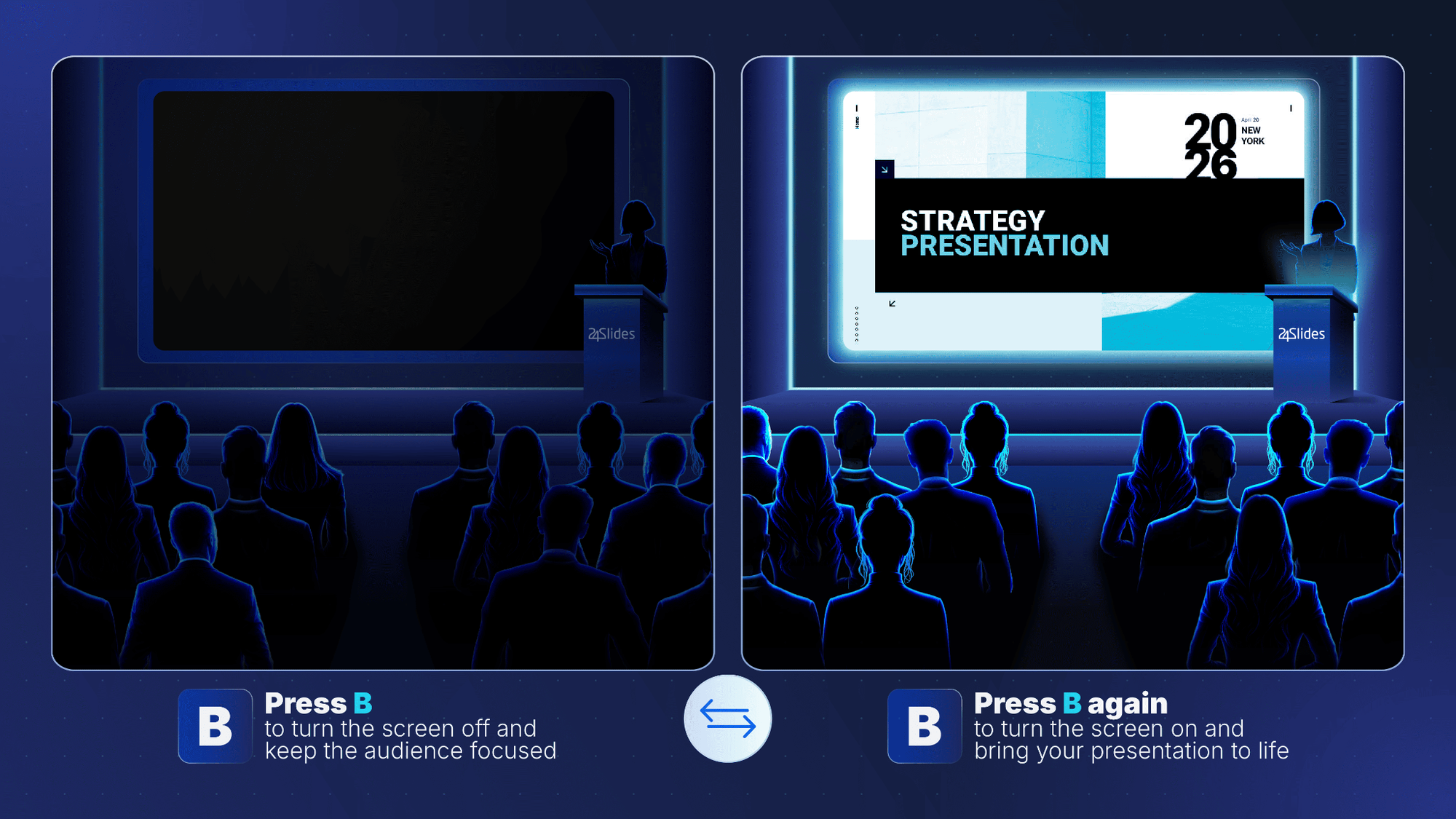
Once the hardware is set, toggle your screen to black (using the "B" key shortcut in PowerPoint) while the audience settles in. This simple technical pivot shifts the room's focus away from a static screen and directly onto you, setting the stage for how to introduce yourself in a presentation with maximum authority.
When you bring the screen to life, use the Presence Introduce Framework to balance status and warmth within your first 60 seconds:
- The Status Anchor: State your name and your exact domain expertise in a single sentence. Avoid reading a bulleted bio off your intro slide; instead, look the audience in the eye to establish immediate psychological safety.
- The Shared Intent: Transition directly from who you are to why you are there. Frame your credentials entirely around the audience's immediate commercial or operational goals.
- The Technical Pivot: If presenting remotely, verbally acknowledge your digital audience within the first 30 seconds. Frame your camera at eye level and look directly into the lens, not at the tile of faces, to simulate true eye contact and project executive presence.
By pairing technical precision with a crisp, audience-centric verbal introduction, you ensure the opening minutes of your session build an undeniable foundation of professional trust.
Elevating Your Presentation Skills
Mastering how to start a presentation is more than a tactical opening move; it is a declaration of leadership presence.
The first 60 seconds of your deck set a psychological baseline for the entire session. By replacing standard corporate pleasantries with a dynamic pattern interrupt, you position yourself as a strategic guide.
Developing advanced presentation skills requires viewing your deck as an active narrative loop. Combining a sharp visual metaphor with an interactive pulse check immediately dismantles audience apathy.
Ultimately, a premium introduction for a presentation lays the foundation for long-term visual authority. Commanding the room from the very first slide transforms a routine update into an impactful leadership moment.
Transform Your Next Presentation into a Leadership Win
Great storytelling requires world-class visual support to truly convert distracted rooms into highly engaged stakeholders.
At 24Slides, our professional designers build custom presentation decks tailored to your exact commercial objectives:
- Overnight Delivery: Fast turnaround times to meet tight corporate deadlines without sacrificing visual quality.
- Tailored for Impact: Custom layouts built for high-stakes keynotes, investor pitch decks, or scalable corporate templates.
- Brand Alignment: Flawless visual consistency that matches your executive presence and corporate identity guidelines.
Let us handle the heavy lifting of design while you focus entirely on your delivery.
Explore our professional slide design services today to make your next presentation introduction completely unforgettable.